How to re-test a Checklist
Once repairs have been completed, users will need to re-test the Checklist to make sure each Task can now be passed.
- From the Checklist dropdown menu, select either Off Hire Checklist or Pre Hire Checklist. This will open up the Checklist search screen.
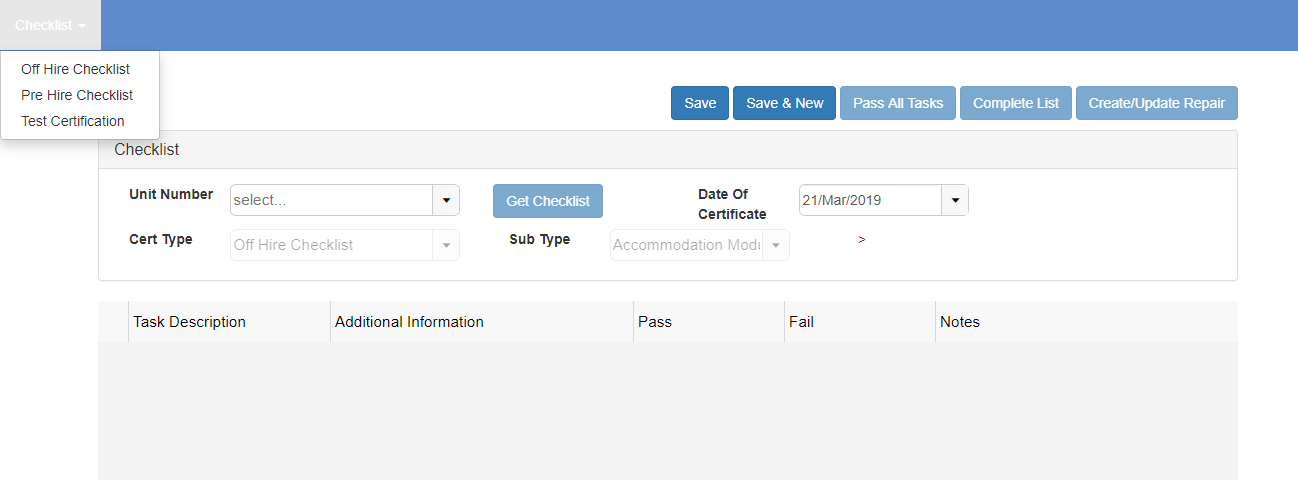
- Enter the Unit Number and select the Get Checklist button. This will find the existing Checklist with the failed Tasks.
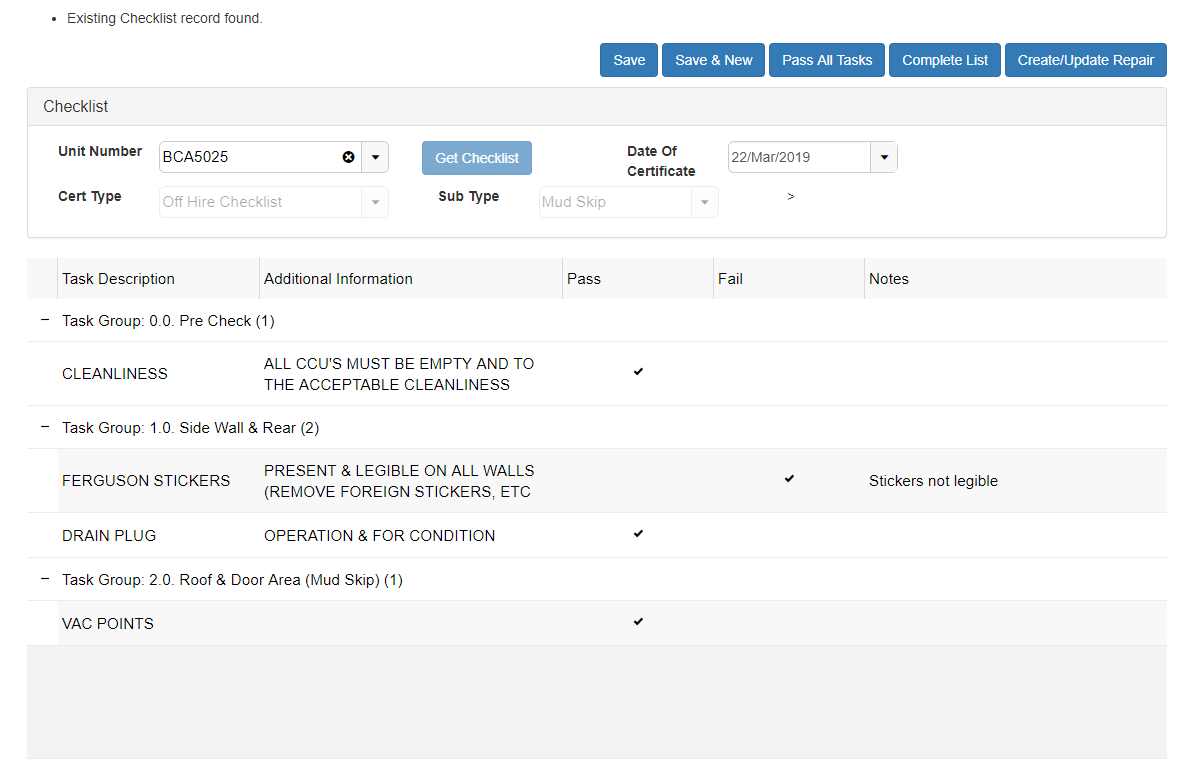
- Users should update the failed Tasks to Pass and remove the notes as to why it failed if the repairs are of a sufficient standard.
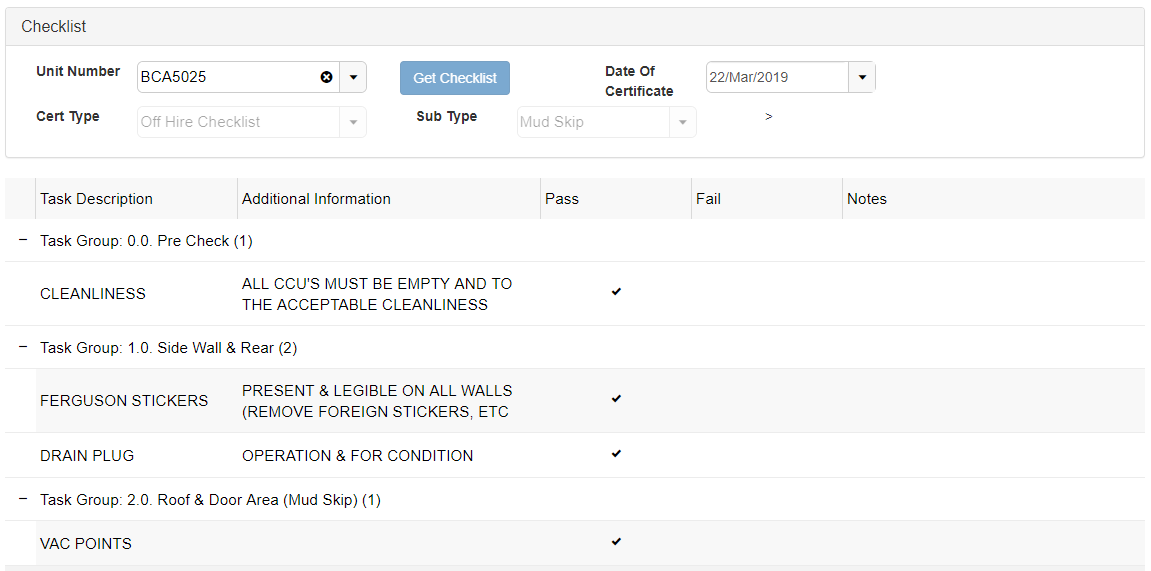
- If all Tasks have been marked as Pass, users can select the Complete List button.

- If there are still failed Tasks, users will need to select the Create/Update Repair button again to create a new Repair Details record.